
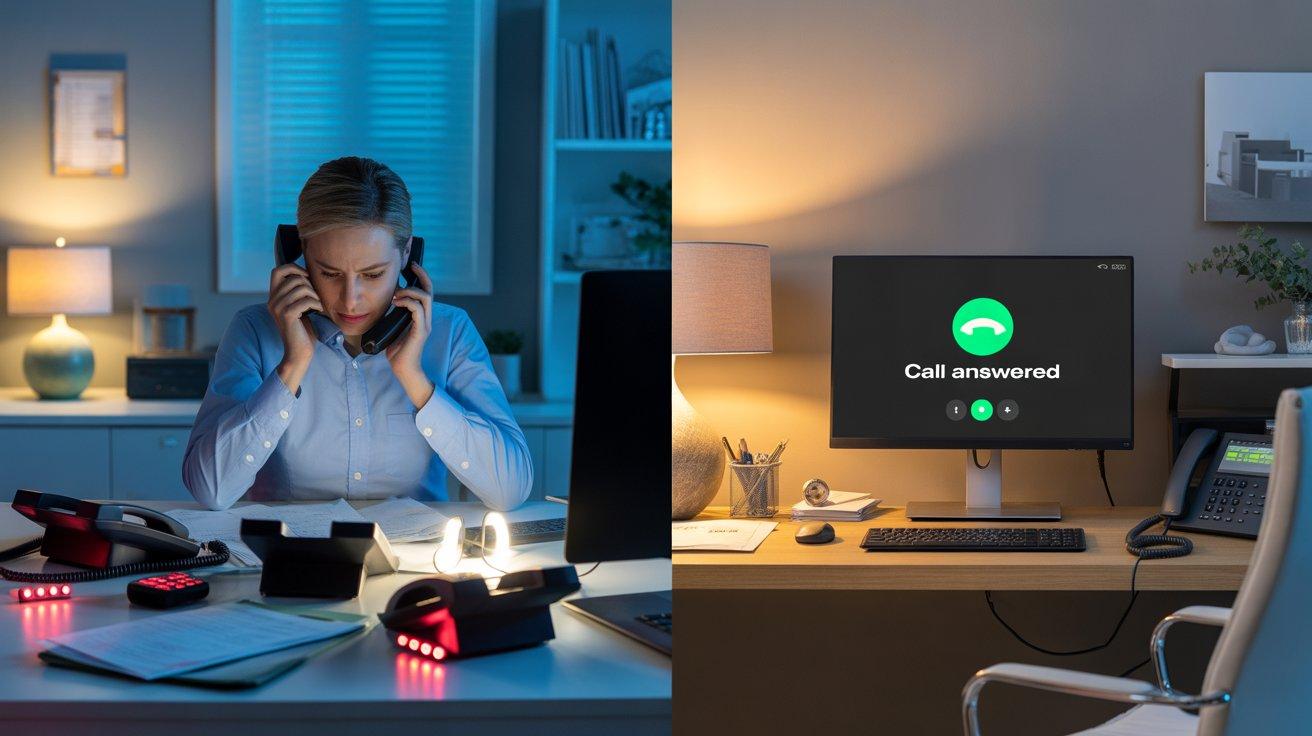
The right AI phone scripts convert more callers into booked jobs for contractors. ## The 8-Second Window Nobody Talks About
Picture this: It's 6:43 PM on a Friday. A homeowner in your service area just walked into her garage and found water pooling across the concrete floor. Water heater. She grabs her phone, searches "emergency plumber near me," and taps the first result.
The phone rings twice. Then she hears it:
"Thank you for calling Mike's Plumbing. This is your virtual assistant. I can help you schedule an appointment or connect you with our emergency line. Is this an emergency, or would you like to schedule a service call?"
She exhales. Someone — something — answered. It acknowledged her immediately. It used the word emergency.
It gave her a clear path forward. She stays on the line.
Three miles away, a competitor's phone rings six times and rolls to voicemail. That homeowner calls the next number on Google instead.
The difference between those two outcomes wasn't the quality of the plumbing work, the number of trucks on the road, or the price per service call. It was eight seconds of words — and whether they were the right ones.
This article is for home service business owners who have invested in — or are seriously considering — an AI voice solution to handle inbound calls. Because deploying the technology is only half the job. What that system actually says to your customers is where the money gets made or lost.
Why the Opening Script Is a Revenue Decision, Not a Branding Exercise
Most contractors treat phone scripts as a customer service nicety. A "professional touch." Something you worry about after you've figured out the technology.
That's the wrong frame entirely.
67% of callers who cannot reach a service business — or who have a poor first experience — will immediately dial a competitor. And 74% of consumers say they are "very likely" to choose another business after having a poor phone experience.
In the home services trades, that poor phone experience usually isn't a rude dispatcher or a wrong answer. It's a greeting that feels generic, takes too long to get to the point, or doesn't acknowledge what the caller actually needs. It's the robotic menu tree that starts with "Press 1 for English." It's the opening line that sounds like it could belong to any business in any industry.
A survey of more than 1,000 U.S. homeowners found that 53% are comfortable with AI handling initial inquiries — but comfort drops sharply the moment the interaction feels impersonal, confusing, or like a dead end. Your script is the difference between a caller who feels helped and one who feels handled.
The good news: getting this right is not complicated. It requires discipline, not creativity. Here's exactly what your AI receptionist's script needs to accomplish — and how to build it for the specific realities of HVAC, plumbing, electrical, and roofing businesses.
The 4 Non-Negotiables of Every Opening Line
Regardless of your trade, your service area, or your call volume, every inbound call greeting needs to accomplish four things inside the first 8–10 seconds:
1. Confirm the caller reached the right business. Use your company name in the first breath. Not your tagline. Not a generic phrase.
Your name. A caller who isn't sure they dialed the right number will hang up and check — and they may not call back.
2. Acknowledge them immediately — not after a menu. The moment a caller hears a live-sounding greeting that goes straight to "how can I help," their anxiety drops. Menus that force callers to "press 1 for this, press 2 for that" before any acknowledgment create friction. In an emergency — which is the context for most high-value trades calls — friction equals abandonment.
3. Signal that you understand why they're calling. Home service callers are not browsing. They have a problem. The word "emergency" in your greeting — used early — does something powerful: it tells callers who have an urgent situation that they've reached someone who gets it.
4. Give them a clear, simple next step. One question. Not three options. One question that moves the call forward.
"Is this an urgent situation, or would you like to schedule a service visit?" That's it. Two paths. The caller makes one choice and the call progresses.
Trade-Specific Opening Scripts That Work
Generic scripts lose calls. The more your greeting sounds like it understands the specific problem a caller is likely to have, the more likely they are to stay on the line and move toward booking.
Here are field-tested script frameworks for each major trade, built around real caller intent:
HVAC
Business Hours (Standard Call):
"Thank you for calling [Company Name] — your local heating and cooling specialists. This is our virtual assistant. Are you calling about an existing appointment, an emergency with your system, or a new service request?"
After Hours (Emergency Priority):
"You've reached [Company Name] after hours. If your heating or cooling system is completely down — especially in extreme weather — press 1 now and we'll connect you with our on-call technician. To schedule a service visit for tomorrow, press 2. We have technicians available 24 hours a day for emergencies."
Why it works: HVAC emergency calls spike during heatwaves and cold snaps — exactly when your office is closed. The after-hours script prioritizes the high-value emergency caller and routes them to a live tech while simultaneously capturing tomorrow's appointment slot. Neither call type hits voicemail.
Plumbing
Business Hours (Standard Call):
"Thanks for calling [Company Name]. I'm your virtual assistant — I can get you scheduled or connect you to emergency dispatch right away. Is there active water damage, a leak, or a backup that needs immediate attention?"
After Hours:
"You've reached [Company Name]. For active leaks, flooding, or water emergencies — say 'emergency' now and I'll connect you immediately. To schedule a service call for tomorrow, say 'schedule.' We're available around the clock for urgent situations."
Why it works: The script opens with the emergency qualifier upfront — "active water damage" — which mirrors the exact language a panicking homeowner is thinking. It doesn't make a caller navigate menus to find out if you handle emergencies. You tell them immediately that you do.
Electrical
Business Hours (Standard Call):
"Thank you for calling [Company Name], licensed electricians serving [Service Area]. This is our virtual assistant. Are you calling about a power outage, a panel issue, or would you like to schedule an inspection or new installation?"
After Hours:
"You've reached [Company Name] after hours. If you're experiencing sparking, a burning smell, or a complete power outage — this is an emergency. Say 'emergency' and I'll connect you to our on-call team now. For everything else, say 'schedule' and I'll capture your information for a morning callback."
Why it works: Electrical callers skew toward one of two extremes — true emergencies (sparking, burning smells) or planned projects (panel upgrades, EV charger installs). The script acknowledges both immediately without making either type of caller feel like they've called the wrong place.
Roofing
Business Hours (Standard Call):
"Thank you for calling [Company Name]. I'm your virtual assistant. Are you calling about storm damage, a leak, or would you like to schedule a roof inspection or estimate?"
After Hours (Storm Response):
"You've reached [Company Name] after hours. If you have active storm damage or a roof leak that's affecting the inside of your home, say 'emergency' and I'll connect you with our storm response team. To schedule an estimate or inspection, say 'schedule' and we'll follow up first thing in the morning."
Why it works: Roofing businesses live and die by storm response windows. After a major weather event, call volume can spike 3–5× overnight. A scripted AI that immediately acknowledges storm damage and routes callers to a response team captures jobs that a voicemail system loses entirely — often to storm chasers and out-of-town contractors who simply answered the phone first.
The Qualification Questions That Actually Matter in the Trades
Once the greeting gets the caller talking, the next job is qualifying the call — figuring out what kind of job this is, where the property is located, and whether it falls inside your service area. This is where most generic scripts fall apart.
A call center reading from a generic intake form and asking "What city are you located in?" after a homeowner just said "my furnace stopped working" is a disconnect. Your AI receptionist's qualification flow needs to reflect how your business actually thinks about calls.
For home service businesses, there are typically four categories of qualification that matter:
1. Emergency vs. Scheduled — Is this a situation that needs same-day response, or is the caller shopping for a future appointment? This changes everything about how the call is handled.
Emergency calls should route to a live team member or on-call tech immediately. Scheduled inquiries can be captured and booked directly into your dispatch calendar.
2. Service Area Verification — Every contractor has a service area, and every after-hours call from outside it is a waste of time for both parties. Your AI should confirm zip code or city within the first two to three questions, before booking anything.
3. Job Type — Is this a repair, a replacement inquiry, a maintenance visit, or a new installation? The dollar value difference between these is enormous. A $150 tune-up and a $12,000 system replacement are both inbound calls.
The script should capture enough context to triage correctly.
4. Contact Information — Name, callback number, and address. This is basic, but it's also where a lot of call intake fails. Every caller's information should be captured before the call ends — even if the caller hangs up before booking.
That's a lead you can follow up on.
What Your AI Receptionist Should Never Say
Scripts that lose calls are often easier to identify than scripts that win them. Here are the phrases that kill conversions in home service call handling:
"Your call is very important to us." This phrase signals — instantly — that the caller is in a queue. In a high-urgency trade call, it triggers hang-ups.
"For hours and directions, press 1. For billing, press 2. For all other inquiries..." Menu trees built for the caller's convenience actually serve the company's routing preferences. The caller doesn't know which menu item matches their problem, so they wait — or leave.
"I'm not able to help with that." A dead end. Every AI receptionist script should have a fallback path that either books the caller for a callback or routes them to a live team member. "I'm not able to help" is a cancellation of the service promise.
"Our team will get back to you within 24–48 hours." After 5 minutes, lead quality drops by 80%. In the trades, "24–48 hours" is the difference between booking the job and the homeowner already having the other contractor's truck in their driveway.
Anything that makes the caller repeat themselves. Research shows 74% of consumers find it frustrating to repeat their story to different agents. If a caller already said "burst pipe" in the greeting response, the qualification questions should build on that — not start over.
After-Hours Is Where the Script Earns Its Keep
The most important version of your AI receptionist script isn't the business-hours one. It's the version that runs from 6 PM to 8 AM, on weekends, and during every holiday when your office is dark.
This is the window where roughly 60% of high-intent calls arrive — the ones from homeowners who have a real problem that won't wait. These are the emergency HVAC calls in July, the burst pipe calls on a Sunday morning, the "my circuit breaker keeps tripping" calls at 9 PM. These callers are not price-shopping. They want the job done.
The first business that answers and sounds competent gets the booking.
85% of callers who reach voicemail won't call back — they simply move to the next option. For businesses that rely on after-hours call capture, a voicemail isn't a safety net. It's a revenue leak masquerading as a backup plan.
Your after-hours script needs three things that your business-hours script may not emphasize as strongly:
First, an immediate emergency acknowledgment. Don't make an after-hours caller navigate anything before they know you can help with urgent situations.
Second, a clear path to a live human for genuine emergencies. An AI that books a routine call is valuable. An AI that routes a homeowner with a flooded basement straight to your on-call tech is the difference between a job booked and a job lost.
Third, a capture path for non-urgent after-hours calls. Not every after-hours caller has an emergency. Some are calling at 8 PM because that's when they have time to think about the leaky faucet they've been ignoring. Those calls deserve a graceful booking experience — name, number, address, preferred time — so your team wakes up to a full morning schedule instead of a list of missed calls.
The Audit Before the Script: Why Guessing Is the Wrong Starting Point
Here's the part most businesses skip — and it costs them.
Before writing a single line of script, the most valuable thing a home service business can do is audit its own call data. Thirty days of inbound call logs reveals patterns that no script template will anticipate: the specific times your calls spike, the most common reason codes callers leave (when they leave one at all), the types of calls that convert to booked jobs versus the ones that don't.
Your HVAC business in Phoenix gets very different calls than a plumbing operation in Minneapolis. Your roofing company's call patterns after a hailstorm are nothing like its baseline spring schedule. A generic script written without this data will handle some calls well and miss others entirely.
The audit-first approach — mapping your specific revenue leaks before designing the solution — is what separates a deployed AI voice system that moves the needle from one that simply answers the phone and boxes up calls into categories that don't match your actual business.
This is exactly how Enumsol's AI Voice Receptionists are built and deployed: every engagement starts with a 30-day audit of call logs and missed conversation patterns, identifying not where revenue is leaking in theory, but where it's leaking in your specific operation, at your specific call volume, during your specific problem windows. The script that follows isn't a template. It's a prescription.
The Two-Week Test You Should Run Before a Full Rollout
Once you have a script built around real call data, the right move is not a full company-wide deployment on day one. It's a controlled test on a single channel — after-hours calls, campaign overflow, or weekend intake — against a measurable baseline.
Run the new call handling against two weeks of your previous performance. Track:
- Call pickup rate — What percentage of inbound calls are answered vs. going to voicemail?
- Qualified leads captured — How many callers made it through the qualification flow with name, number, and job type?
- Jobs booked — How many calls converted to scheduled service visits?
Compare those numbers to the same two weeks last month, or last quarter, or the equivalent period last year. If the script is working, the numbers move. If they don't, the script needs to be revised — not the concept tested further.
This test-before-scale approach protects your business from over-committing to a solution before it's proven out. And it gives you the data to make confident decisions about expansion.
Conclusion
A phone call answered by an AI receptionist is only as good as the words it's been given to say. Technology doesn't close the sale — a well-built, trade-specific script does. The greeting, the qualification questions, the emergency routing pathway, the after-hours capture flow: each of these is a revenue decision masquerading as a customer service choice.
87% of consumers say they trust a company more when provided with an excellent customer experience — and for home service businesses, that experience begins the moment the phone is answered and a calm, informed voice says exactly the right thing.
The contractors winning in this market aren't just the ones who answer every call. They're the ones who answer every call well — with a greeting that acknowledges the caller's urgency, a qualification flow that mirrors how their business actually operates, and an after-hours system that works as hard at 10 PM as their best dispatcher does at 10 AM.
You've already paid for the lead that made the phone ring. The only question left is: is what your AI receptionist says when it picks up actually converting that lead into a job on your calendar?
Enumsol deploys AI voice receptionists purpose-built for HVAC, plumbing, electrical, and roofing businesses starting with a 30-day call audit to ensure every script is built around your real call data, not a generic template. Deployments integrate directly with ServiceTitan and Housecall Pro.
Sources: Housecall Pro Homeowner Survey Data on AI Receptionist Comfort and Phone Experience Preferences; Harvard Business Review Lead Response Time and Conversion Rate Research; Zendesk Consumer Trust and Customer Experience Data; Hyken Research Customer Experience and Brand Trust Statistics.