
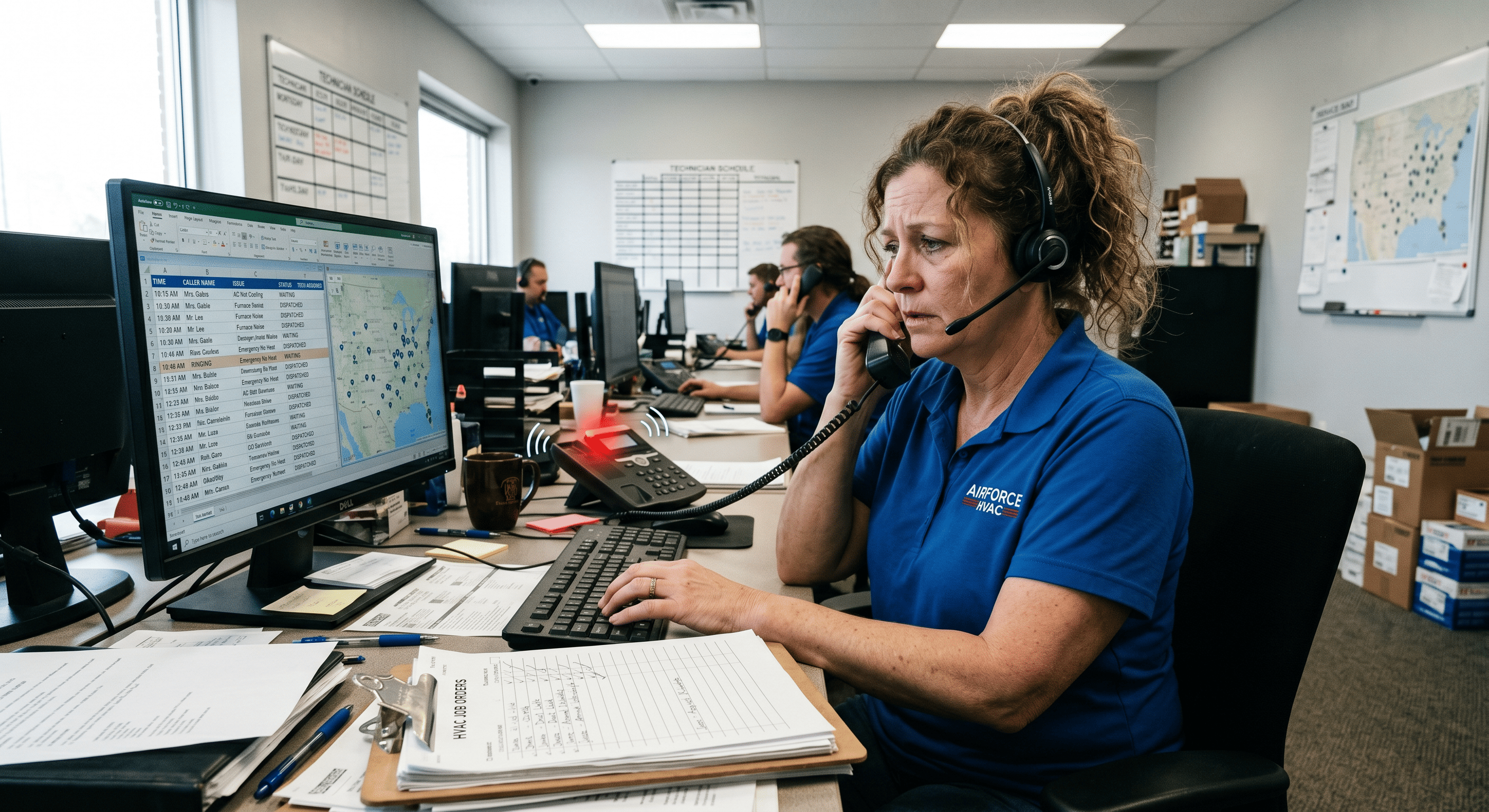
Proper AI receptionist onboarding ensures your system captures more booked jobs. The Call That Never Got Answered
It was 9:47 on a Tuesday night when Karen's water heater quit. She didn't panic — she grabbed her phone and searched "emergency plumber near me." She found three local businesses, called the first, got voicemail. Called the second, same result. Called the third — someone picked up, asked two quick questions, and had a tech scheduled for 7 a.m.
Karen never called back the first two companies. She didn't need to.
That story plays out hundreds of times every week inside markets just like yours. The jobs don't disappear — they just go to whoever answers. And the businesses that never picked up? They'll never know what they lost.
If you've been thinking about deploying an AI receptionist to close that gap, you're asking exactly the right question. But there's a question contractors ask us constantly: "What do I actually need to hand over to get this set up?"
The answer is more straightforward than you might think — and getting it right is what turns an AI voice system from a novelty into a revenue engine.
Why Onboarding Details Are the Difference Between a Tool and a Revenue Asset
Let's be direct: an AI receptionist is only as smart as the information it's given at the start. A generic setup will give you generic results. A purpose-built setup — one trained on your actual service area, your pricing logic, your dispatch protocols — will capture jobs your competitors are missing every single night.
Here's why this matters at scale. According to a landmark study by Harvard Business Review and InsideSales.com, companies that respond to an inbound lead within one hour are seven times more likely to have a meaningful qualifying conversation than those who wait just one hour longer — and over 60 times more likely than companies that wait 24 hours or more.¹ In home services, where the customer's need is often urgent and immediate, that window is measured in minutes, not hours.
Speed only wins if the system knows what to say when it answers. That's what onboarding is for.
The 7 Things Your AI Receptionist Needs to Know Before It Takes Its First Call
1. Your Service Area — Down to the Zip Code
The single most common setup mistake is defining service area too broadly. Your AI needs exact zip codes — not county names, not city limits. A caller in a zip you don't serve should hear a clear, professional response rather than a half-qualified lead that wastes your dispatcher's time. Give your AI the full list of zip codes you actively cover, including any seasonal or capacity-based exceptions.
2. Your Services — And How to Triage Them
Not all calls are equal. A burst pipe at 11 p.m. is different from a tune-up inquiry at 2 p.m. Your AI receptionist needs to understand the full range of what you offer — emergency dispatch, maintenance agreements, new installs, warranty calls — and know how to identify which bucket a caller falls into.
This means giving your onboarding team a clear list of your service types and the questions that distinguish a $400 service call from a $14,000 system replacement.
3. Your Dispatch Software Credentials and Booking Rules
If you're running ServiceTitan or Housecall Pro, your AI can book directly into your schedule — but only after it's been integrated and configured against your actual booking rules. That means: which job types can be booked immediately versus which need dispatcher review, which techs serve which zones, and what your standard appointment windows look like. The more specific you are here, the fewer hand-offs are needed.
4. Your Emergency Protocol
What happens when someone calls at 2 a.m. with a gas smell? Your AI needs a clear decision tree for emergency situations — including when to escalate to an on-call tech, what information to collect before that handoff (address, nature of issue, whether the gas has been shut off), and what to tell the caller in the meantime. This protocol should come directly from your current operations manager or lead dispatcher.
They already know how these calls should go — the AI just needs it in writing.
5. Your Trip Charge and Pricing Logic
Callers ask about cost constantly — and an AI that deflects every pricing question loses credibility fast. You don't need to give away exact numbers, but your AI should know your standard trip charge, your general pricing ranges for common services, and your policy on free estimates versus paid diagnostics. This keeps the conversation grounded and qualifies intent before the appointment is ever booked.
6. Your Call Overflow Thresholds
When does a call go to the AI versus a live dispatcher? During a marketing campaign surge? After 6 p.m.? All weekend?
Defining these thresholds in advance means your team isn't competing with the AI for the same calls — and your dispatchers stay focused on the complex, high-value work they're actually paid for. According to a 2023 workforce report by the Service Council, nearly 52% of field service managers cite administrative and call handling burden as a primary source of dispatcher burnout.² Your AI picks up that burden — but only if the handoff rules are clear from day one.
7. Frequently Asked Questions Specific to Your Business
Every business gets the same 15 questions on repeat: Do you charge a trip fee? Are you licensed and insured? Do you offer financing? What brands do you service?
How long does an install take? Document the answers to these questions and hand them over during onboarding. This is what makes your AI sound like your business — not a generic call center.
The Audit Comes First — And That's Not an Accident
Before any of the above happens, the right approach starts with a call audit. At Enumsol, the onboarding process begins by reviewing 30 days of your actual call data — missed calls, voicemail rates, after-hours call volume — to identify exactly where revenue is leaking before a single workflow is built.
This matters because most business owners assume they know where they're losing calls. The data almost always tells a different story.
In one case, an HVAC contractor believed their biggest gap was during marketing campaign surges. The audit revealed that 71% of their missed revenue was happening between 7 p.m. and 8 a.m. — windows they assumed voicemail was covering.
It wasn't. After deploying a focused voice agent specifically for after-hours, they saw a 58% increase in after-hours booked jobs within 90 days.
A plumbing client found similar results: the audit flagged that emergency calls were being abandoned at the IVR step before they ever reached a human. Fixing that one friction point resulted in 4.3 times more qualified emergency calls captured per week.
Those numbers aren't projections. They're measured outcomes from real deployments — and they started with the audit, not the technology.
What You Don't Need to Figure Out
Here's what's worth saying plainly: you don't need to understand how the AI works. You don't need to write scripts, manage software, or configure dashboards. The information you provide — your zip codes, your services, your dispatch rules — is the operational knowledge you already have. The implementation is handled.
This is the core difference between a managed deployment and buying a SaaS product and hoping it works. The technology is only as valuable as the process wrapped around it.
The Real Cost of Getting This Wrong (Or Skipping It Entirely)
Consider the math. If your average job value is $850, and you're missing eight after-hours calls per week that convert at 30%, that's roughly $2,040 in weekly revenue that never makes it to your books. Over a quarter, that's more than $26,000 — from a single coverage gap.
According to BrightLocal's 2024 Local Consumer Review Survey, 60% of consumers who search for a local service business call the phone number in the search result — and the vast majority expect to speak to someone immediately.³ Voicemail, in that moment, is not a fallback. It's a disqualifier.
The contractors winning in competitive markets aren't outspending their rivals on advertising. They're outpacing them on response. Every dollar you spend driving inbound calls only pays off if the phone gets answered — with the right information, the right tone, and the right next step.
Conclusion
Setting up an AI receptionist is not a technology project. It's an operations project — and the quality of the inputs determines the quality of the outcomes. The businesses that treat onboarding seriously, that document their service area precisely and map their dispatch logic carefully, are the ones that see measurable revenue recovered within the first 90 days. Enumsol's AI Voice Receptionists are built specifically for this — integrating directly with ServiceTitan and Housecall Pro, trained on the specifics of the trades, and deployed only after a thorough audit confirms exactly where the leaks are.
You've already paid for the leads. The calls are coming in. The only question left is: are you going to be the one who picks up?
Sources:
¹ Oldroyd, J., McElheran, K., & Elkington, D. (2011). "The Short Life of Online Sales Leads." Harvard Business Review.
² Service Council. (2023). Field Service Management Trends & Workforce Challenges Report.
³ BrightLocal. (2024). Local Consumer Review Survey.